Pulling out all the DNA sequences… i came across the common name for Haliotis rufescens… it says Red Abalone. Cool… so i went to find some images...

The shells can be really pretty when polished...


Its quite pretty eh??
Pulling out all the DNA sequences… i came across the common name for Haliotis rufescens… it says Red Abalone. Cool… so i went to find some images...
The shells can be really pretty when polished...
Its quite pretty eh??
Heh, i've been posting quite some bit recently, many of them with more photos than words. Well, I'm certainly glad that i managed to keep with my 'at least one post a week' promise… though it doesn’t exactly help with my writing skills since i've not been doing much of a proper writing recently. One thing for sure, is that MarsEdit really helps a lot in encouraging me to post. I can see at a glance which blog i've been neglecting etc… being able to see when my previous posts was motivates me to post things. And i don't have to go through the trouble of opening up my different blogsites. And ah, the ease of posting photos…. its much easier to post just a short entry with some text and loads of pictures. In a way its cheating, since it defeats the purpose of me wanting to practice my writing and typing skills… but it's not always that i have the time and mood to type long entires… nor the material/topic to talk about… so i guess all's good.
FYP is getting pretty hectic. We are, indeed running rather behind time… however, since i've decided to take time off to blog, (spent quite some time on blog entires in my other blog already)… I might as well spend some time to talk about this wonderful program i've found…
So, some time back, i was thinking to myself that i HAVE to start organizing and filing my small but steadily increasing collection of research papers before things get way too messy. The big problem with research papers for me is that, organizing them is such an awful chore… worst still, i don't even know how to organize them. 1st: the naming problem. When you fetch the pdf from the database, they either call the pdf by 1) some weird jumble of letters and numbers 2) some generic thing like 'science' or 'fulltext' 3) sometimes if they are nice, they'll call it something relevant, like the author or something… Most of the time though, i have to rename the file, and it always leaves up struggling to find a way to name my files WHILE allowing me to know what the article is about. Some ppl go by the arthur names and year, but that really doesn’t help me understand what the article is about… since I'm not familiar with the researchers in the field and all… Paper title? Most of the time the titles are very lengthy…!
After wasting loads of time searching and trying various apps (i was even seriously contemplating using iTunes to organize my files!), I finally found Mendeley. Actually, quite a lot of reviews have mentioned it, but i was reluctant to take it up at the beginning because it can sync the documents online… which ironically is a feature i found very useful later on.
Mendeley is an app like no other… None of the other programs i saw or tried even comes close… There's endnote, there's many other pdf file managers, there's Papers - this expensive 80 dollar app that sounds really great in functionality… but ah, the price tag...
What can Mendeley do and just why do i like it so much? Let me try and explain one by one.
First of all, its FREE. Yes… FREE! Well the free account includes 1GB of online storage, 500mb for your personal use and 500mb for sharing (more on that later). Well its not a lot, but than research papers usually don't take up THAT much space per paper… and if you have too many papers, that means u just can't sync them all online, you can still use it normally on your desktop, no problem. You can also pay for more storage space of course.
2) It runs on mac. And windows. And iPhone/iPad. Cool! That means that you can sync your collection of papers over your various computers, and i can even read the papers on my phone if i want to. Doesn’t let you do much else on the mobile apps but… i don't really need to do much else.
3) It manages the pdfs really really well. There's a lot of factors that make me feel that way… like:
Watch Folder - You can select folders that you want Mendeley to watch. That means that any pdfs you dump into that folder will be automatically added into Mendeley. Convenient much? Now i can simply save the pdf in my folder labelled 'papers' (oh how informative) and be done with it.
It scans the pdf for data - Mendeley doesn’t just rely on the pdf's metadata, it also SCANS the pdf file and will try to pick up details such as the DOI, title etc etc… It will also automatically check out their own database as well as google scholar to try and find any missing details… if in doubt, the program will ask you to check the data - you may have to put in the title manually (well, just copy and paste from the pdf) and ask it to do a web search… well if all else fails… there's always the manual input option.
It is a pdf reader on its own - Now that all your pdfs are nicely organized, you know which file is which… its time to do the actually reading. Wonderful news: Mendeley has a built in pdf reader, and lets you do things like annotations, highlighting, writing notes etc… and with the tabbed browsing, i find it much neater than preview. I also don't have to switch between finder and preview to call up another pdf file - i get it all done in one app.
Folders, smart folders - The usual folders allows you to group your papers. There's also a favorite button for marking really good/useful papers.
4) It can also manage citations and bibliographies. It can plug in to msoft word, open office etc… even has a nifty little shortcut key for adding citations etc in MS word. Neat.
I've tried endnote too, even attended a short course on it… but it was precisely during the course that made me aware of Mendeley's advantage over Endnote. (The librarian did mention mendeley at the start too, makes me wonder why they don't offer courses on how to use mendeley instead… but than again, mendeley is really easy to use… wait, endnote is really easy to use too, i didn’t quite need that course actually :S)
While endnote works really great as a citation tool, it fails so much in terms of pdf handling capabilities when compared to mendeley.
Endnote cannot scan the pdf. So if the metadata of the pdf fails, the whole pdf entry fails and you have to manually edit it. Sure, endnote is able to search many online databases, but it cannot merge entries. So i'll still have to manually key in the data for the pdf file, or i have to manually attach my pdf file to the online entry. Either way, its troublesome.
Mendeley is working to have more sites include a button to import the citation directly to the program, and they also have a little bookmark that lets you do that… but for me, I'd want to read the paper rather than site directly… i want a copy of the paper… so i pretty much add my mendeley entries only using pdfs. Same goes to endnote… only that mass importing of all my pdfs doesn’t work very well since quite a number of the files don't have proper metadata. It doesn’t have a watch feature either so i'd have to manually add in the pdf files… and if the pdf doesn’t have metadata, I'd still have to copy the title over and do a web search. So it quickly became such that i had to search the web database every time i want to cite the new article i just read (while simply writing down and organizing my background information in MS word)… which is quite a chore.
Endnote doesn’t have a built in pdf browser. AND because of its limitations in handling pdf file based citation entry additions, I'd rather use the web search to get my citations quicker. That means that it's not managing my pdf files at all (even having to file the right pdf file to attach to the right citation entry would in itself, be a challenge!).
So while endnote is a good citation tool… I'm simply going to stick with mendeley for my citation needs. It seems to do the job just as well anyway, and coupled with the easy library management, i'd say that it does it even better.
Things like scanning of pdfs is something that all other free/cheap pdf managers does not have. Oh yes, the scanning of the pdfs means that you can search within pdfs. Like you recall something that you read somewhere and want to call out the pdf, but that something you remember isn't in the title or even the abstract… mendeley's search function will be able to find it for you.
Overall, the program looks really neat, and has all the features i need. Oh there's even addition features that i don't need at the moment, like groups and file sharing. Its like a social network on its own, allowing you to create groups and share papers with other researchers. It'll be useful if say your research group are all using mendeley for example. But right now its just me by my lonesome self so yeah...
If you're looking for something to organize your papers, I'd say Mendeley is your one and only choice.
Happy Valentines Day!
Today wasn’t such a good day at all for me… started off with a sore throat, which became a flu + fever...
feeling much better now though, thankfully. Almost done with my protein 1 blastn so… that's good news i guess.
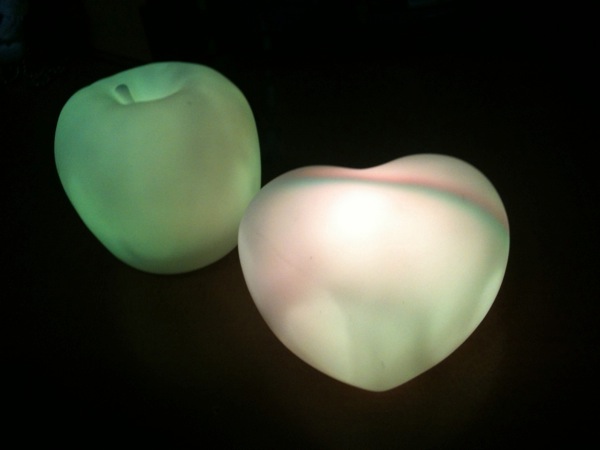
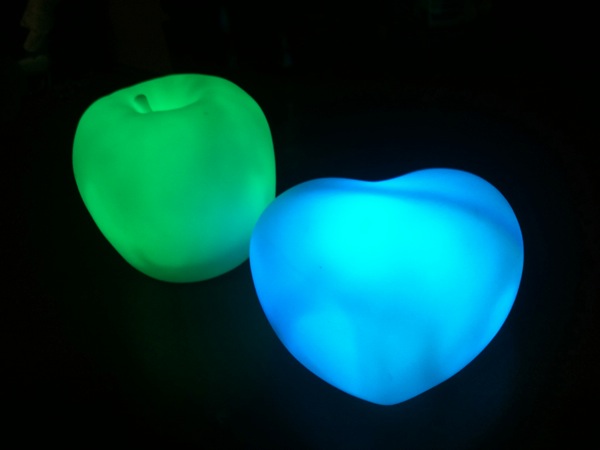
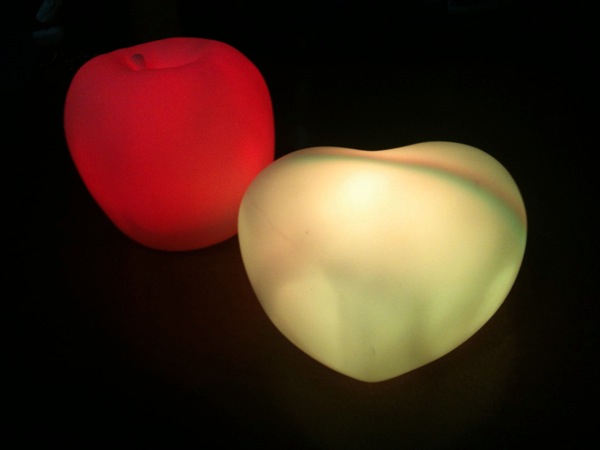
Saw this being sold in the pushcart stall in ssh yesterday… and just had to buy it… heart-shaped one for my sis, apple for me.
opps… sorry for the photo spam… but $2.50 each for a pretty, color changing light device, with batteries included… i just couldn't resist… well i was feeling really frustrated with the blast work so yeah, retail therapy? lol.
Bleh… after listening to kitaro's matsuri… that tune is now stuck in my head. it’s a really nice tune… one that i've heard since young… really like it a lot… but the stupid disk is missing from its CD :S been listening to it the whole afternoon already… very nice… but the base isn't that strong/obvious from the video… that and the standard iPhone issue earphones aren't probably the best thing to use for listening to such tunes...
A CD case with no disk yay. My dad should have took the disk to listen in the car… only that he took everything out from his car sometime back before sending it for repair… and now he's got no idea where all the stuff are… if this disk isn't with the rest of the CDs front eh car though… than i really have no idea where it can be :S i already dug out and checked all the disks the the TV cabinet yesterday… don't know of any other CD dump in the house already… :S
making do with this for now till i find the disk… sighs...
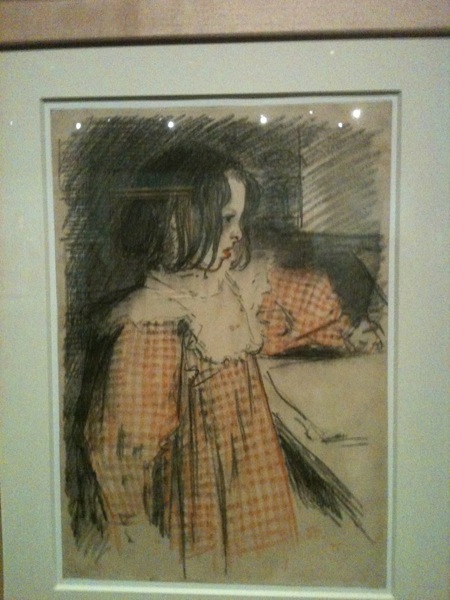
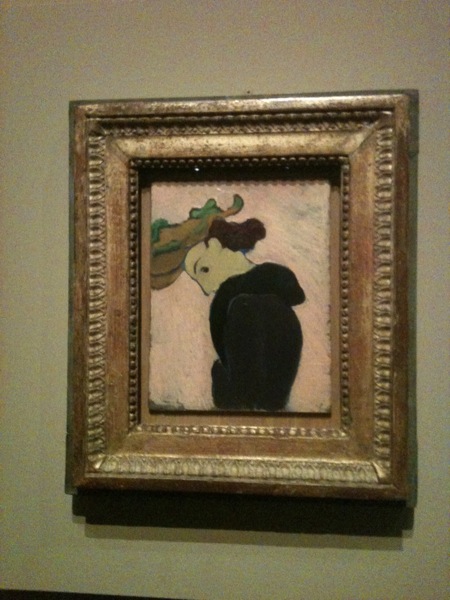
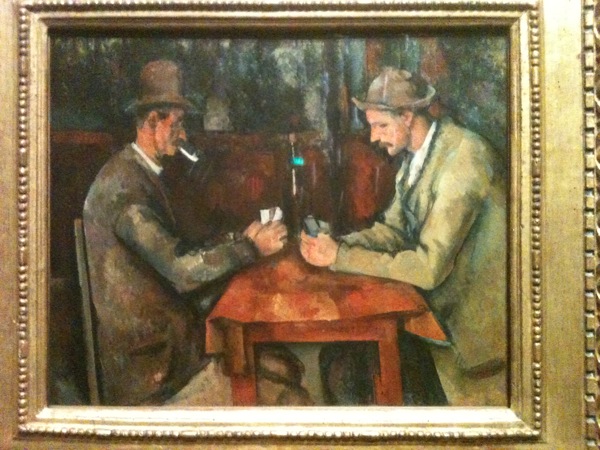
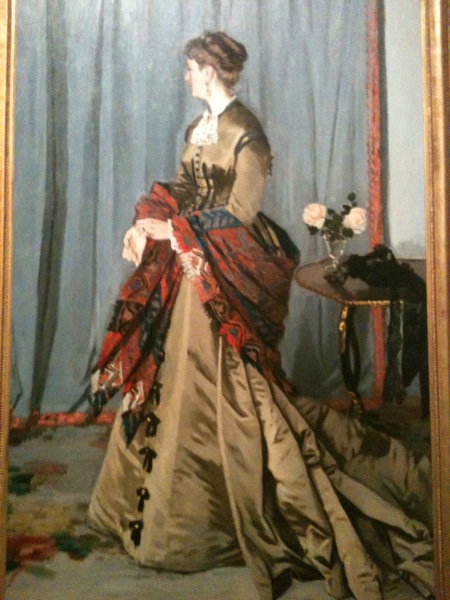
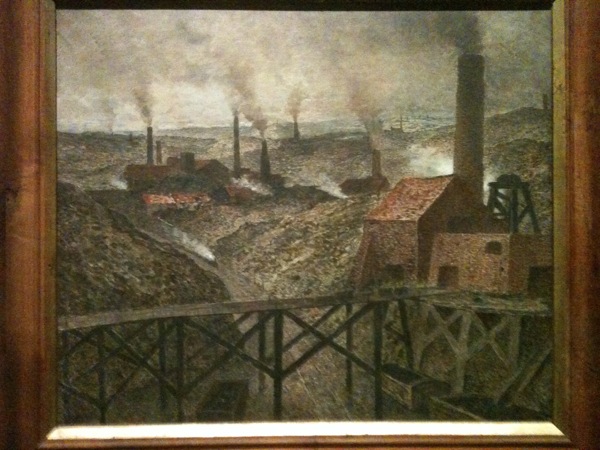
Went to visit the dreams and reality exhibit at the museum last… Sunday… and here's some picture spam...
I really like this painting. Looks very realistic and 3D when u actually see the painting. On photo, esp a photo taken with my noob iPhone… BLEH.
eeps… this one is really blur...
Ok, that's part 1 of the photos… :P no idea how many parts there will be, but it took A LOT of photos...
Doing swiss model now…
i have to submit the sequence to the site and after that they will send me an email when its done… since i got like 50++ sequences for my protein 1… now its like…. (i did quite a few of them already too, mind you)
SSCARYYYY!!!! Just of sheer volume of emails is overwhelming! I gotta go to each of the report and dl the pdf and pdb files… and copy n paste the info out...
And than i have protein 2 with 70+++ sequences to do clustal and swiss model with :S
Its not a hard job, but its tedious… exceedingly tedious, and very time consuming… just like how adding stuff to HS db was also a very tedious job. Its just that i have tons of other things to do like lit reviews, writing etc etc...
one step at a time… one email at a time...
Working on my FYP and blasting thru that various taxa… i came across a hit from the organism Botryotinia fuckeliana. Sounds like a swear word much? Well, there are a lot more weird names in bio… as this website shows...
Whee. Just finished attending the endnote course. Most of the stuff I figured out on my own already, but I did learn some new stuff - like I have to change the endnote format to plain text when I'm done with my report - a stage which I'm still a bit far away from...
The instructor was very nice and energetic... And the classrooms were omg pretty! Nice seats, nice aircon... High tech screens... And they even provided sweets and some refreshments for us to have during break. And on top of learning abt how to export citations from various websites to endnote, I also managed to find a couple of papers... Some looks really promising too. I.e. having the info I want and need.
Glad I attended the course - tho it did get a bit draggy at times. Like there was this Angmo who ask the weirdest of all qns, like what is the use of creating groups in endnote... -.-" to manage ur references la baka! If u do, or if u start doing research u'll know just how messy all those refs can get...
K, I'll probably dabao subway to eat in the office once more.
Ok… so my mac is running out of space and i found some folders to backup (and remove from my comp). I happily took out the (new) seagate external hard disk and plugged it in my comp… and… lo and behold… i can't write to that drive cos its in NTFS format. Can read the folder, but not write… Bravo… google time!
The best solution i saw was to install Macfuse - which i already have - and NTFS-3G.
Problem 1) NTFS-3G came up with a commercial, more reliable, but paid program called Tuxera. I didn’t know the diff between the two at 1st, and downloaded the paid one (actually, i thought the changed the program from free to paid). Installed it halfway, and abandoned installation. Than it keep giving me error messages saying that the license code was wrong… restarted and to no avail… finally got it after i copied and pasted a bunch of code to terminal to remove that program completely.
Problem 2) Some error message about macfuse being not found kept popping out… by that time i was getting really really pissed… with the error i can't even read the external hard disk anymore. no new macfuse updates could be found, reinstalling macfuse didn’t work… only later than i read somewhere that they came up with a new version of macfuse called… OSX fuse. Bravo… no wonder i couldn’t find it! No links from the old site to the OSX fuse page either. -.-'''
After installing that, it finally worked… i can now read AND write to the NTFS drive...
Links:
NTFS-3G - Main blog site - Note to self: look for NTFS-3G, not Tuxera
EDIT: ok, i think the devs of macfuse and osxfuse are two diff teams? oh wells, i'm just glad that there are ppl working on these open source freeware for everyone to enjoy :)
Whee… 8.7GB of space freed up… now let's backup more stuff...
How much does 1.5 years of difference make? If you're talking about IT… it makes a HELL lot of difference.
I've got my mac and my dad's mac side by side again… and happily enjoying the benefits of Teleport… this time round i'm downloading a whole bunch of 3D modeling software by DAZ3D… who's giving away a wonderful bundle of 3 software for FREE.
I was looking at the comp stats… apart form the extra 4 GB of ram the retailer threw in during the IT show… the mac's also got double my 250GB hard disk space… and it's also running on Intel Core i5… whereas mine's Core 2 Duo… sighs… such a whole lot of difference… Considering how i always run a million programs and use up all my ram… the faster processor speed and extra 4 gb ram would indeed be very useful. Ah and the DOUBLE hard disk space… *drools*… i cleared out a bunch of files and song and now have 20+ GB of free space… well i am still in the midst of downloading those 3D software, and i did install the whole adobe photoshop + others bundle so that took up quite a bunch of space… but my hard disk space is in a rather critical state :S
Managed to identify a folder to back up later… so after that's backed up and deleted i'll get an extra 7-8GB of space… bleh… really don't know where all the space has gone to! Ok… 40gb did go to XP after all :S
A mere 1.5 years and so much hardware improvements even though price remains exactly the same… heck, even the OS improved from snow leopard to lion… humph… well i did enjoy my lappy throughly though, so i don't regret buying my lappy than… yes, made use of my comp so much to the point of abuse hehe...
Ah… just the other day i was tinkering around with the Better Touch Tool app and here's what i ended up with.
The bad thing is that some times i end up accidentally activating something… if that gets too irritating/happens too often, i'll probably add a modifier key to go with the gestures.. we'll see how it goes.
And yes… google is letting us customize our home screen background! I tinkered around a bit with some photos on my comp (and my brand new photoshop) and came up with this… i'm not too pleased with the results though… the picture quality isn't very good and all… but i was in school and i was supposed to be working on my fyp so i didn’t have time to do any better… hmm… maybe i shd make one with banned story instead?
I think this is pretty much just for show though… cos the picture takes quite a while to load and… unless i just restarted my browser, whenever i go to google its cos i have something i want to search for in mind and so i'll type in something right away. And now with the real time result thingy they have, the moment i key in something it goes over to the regular results page, so i don't even get to see the horrible picture i made as my background. Bravo… All i end up with, is an ugly looking whited out google logo :S
In yet more random news… i just figured out that somewhere along the many updates, iPhoto now has the ability to see all your photo albums… and you can upload your photos to any of the existing albums, even if they weren't so called… iPhoto linked albums. Of cos u can create new folders from iPhotos too. This is certainly a big improvement over last time… now it makes photo uploading and managing a breeze indeed. Its been a super duper long time since i uploaded any photos to my Facebook account so yeah… didn’t realize this…
okay, that's all for now!
Whee… my sis asked me out with xl today… since i purposely kept the day free for her. Wanted to like… go somewhere like starbucks and try and do some work or something… but we ended up going on a gourmet tour at Nex.
1st up was Sushi Tei. I tried the negitoro don with my sis last time and it was really good… so we ordered that. Two of that. Which is a really reasonable price at $10 bucks each. The rest of the stuff in the menu were a little bit pricey for us poor students though… so we opted to go for round 2 else where… and that marked the start of our gourmet tour...
Aghs… photo stream not done loading the new pics yet… so i shall type a bit more. Don't know why, but iPhoto always turns off the enable photo stream option every time after there's been an update… so yeah i just turned it back on and...
ah yes.. the photos were in already, its just that i forgot its… feb today and i was looking at the Jan photo stream folder -.-''… how silly of me.
heh… this is partly what make me like eating eggs so much recently… its really good! The tune and spring onion… and the smooth, silkiness of the tamago… <3 and at 10 bucks its quite cheap (well you have to add in all the dreaded GST and service charge though)
We walked around a bit and came saw MOF! My sis n xl went MOF at lot one the other day but they didn’t have the cold ramen that day (for some unknown reason), and since xl really wanted to try the cold ramen, we went for round 2! *Ting ding* (see xl i so nice, add in the sound effect for you - btw, i add me on msn leh… ask yy for my msn address)
So we ordered tonkatsu char siew ramen (again) and cold ramen… erm… the mixed seafood one… i forgot the name. This one doesn’t have the mayo and almond which i really liked though (my sis (n xl too right?) doesn’t like it tho, she doesn’t like nuts… it'll make her go nuts… maybe she is nuts hehe). Oh and upon closer inspection of the menu today, i realized the sauce used in the cold ramen is hiyashi sauce...
The tasty tonkatsu char siew ramen… love both the chewy noodles, the char siew, and the soup!
The cold ramen… they use the same noodles for their ramens, but when its cold, it gets extra chewy, which we like!
Desert! 3 scopes of hokkaido gelato ice cream! Rock melon, green tea + red bean and cookies and cream. I liked the cookies and cream best hehe. Rock melon was interesting, there was bits of rock melon in it, but the taste wasn’t particularly memorable. Green tea (same one as we had the last time) was good - it was a little bitter and not sweet and tasted of TEA (which is good, not like those green tea which tastes more of sugar than anything else).. but i was craving for something more sweet so… and although i really love cookies n cream… this one is a lot better than the normal ones i ate elsewhere. The kind of milky/creamy taste and the sweetness… it just appealed to me i guess. They've got sesame too which i was told is really good… but since yy n xl had it last week, they didn’t get it today.
Yeah… so we happily chatted till like super late, before heading off to the popular which didn't have a single decent sketch book… than xl n my sis went off (cos *ahem* somebody got cca)… and yes… since i miraculously remembered about my dear jlf's bday (omg yes i finally remembered someone's bday ok!) i went to shop for bday presents for her...
hmm yes… it won't be a surprise anymore if i say what i shopped for yeah? so i'll leave it at that. I asked her to come my house next weekend though… since we planned to maple the next time we met. Speaking of which i haven mapled since last year… i hope my house remains CNY mode tidiness till next weekend… at least i gotta keep my room decent and… *looks around* my tables are quite messy already :X eww… xf is coming to visit this sunday too :S
hmm… something rather scary happened on fb… i normally post my blog posts to fb, and my mum went to like the link to the milo post. SCARY! i was like… since when does she actually DO ANYTHING on her fb? That day she did bug me for like ten thousand years about which photo to use as her display pic though… oh wells… i better get started on my work… since i practically ate my whole day away :S
EDIT: bravo… after all that trouble, she still hasn’t changed her display pic -.-'''
Oh and i almost forgot! This… saw this while shopping for presents and i was like omg so cute…! it looks exactly like what my sis drew in her sketch book that she just showed me last night… its freaking cute and… yay she likes it XD